Last Updated on November 16, 2026
Bali is one of those places where your phone quietly does a lot of the work. You need it to call a Grab or Gojek from the airport, to find the villa down an unmarked alley in Canggu, to message a driver about tomorrow’s sunrise trip to Mount Batur, and to check whether the boat to Nusa Penida is actually running. Arrive without a plan for mobile data and the first hour on the island can get expensive or stressful, usually both.
The good news is that staying connected in Bali has become easy and cheap. The less good news is that there are a few traps that catch first-time visitors. Here’s what I’d want to know before landing at Ngurah Rai.
Don’t rely on your home plan’s roaming
Most US carriers will let you roam in Indonesia, but the daily passes add up fast on a two or three week trip, and some plans only give you slow speeds once you leave the country. Before you fly, open your carrier’s app and check exactly what Indonesia costs per day and how much high speed data is included. For a long weekend it might be fine. For anything longer, a local option or an eSIM is almost always cheaper.
Whatever you decide, switch off data roaming on your home line before the plane lands. It is the easiest way to avoid a surprise bill from apps updating in the background.
Option 1: A local SIM card at the airport
You will see the phone counters as soon as you clear customs. Telkomsel, Indosat and XL all sell tourist packs, and staff will register the card with your passport and set it up for you. It works, and the coverage on Telkomsel in particular is strong across the island.
The downsides are the line after a long flight, airport prices that are higher than in town, and the fact that you have to take out your home SIM, which means you lose access to texts from your bank. If you want a local SIM, it can be worth buying a small airport pack just to get you to your hotel and topping up at an official store in Denpasar, Kuta or Ubud later.
Option 2: An eSIM you install before you fly
This is how a lot of travelers handle it now. An eSIM is a digital SIM you download to your phone, so there is nothing to swap and no counter to find. You buy a plan online, scan a QR code or follow the steps in the provider’s app while you are still on your home Wi-Fi, and the plan starts working when you land.
Your home number stays active on the physical SIM, so you can still receive one-time passcodes from your bank, while all of your data runs through the eSIM. Just make sure your phone is unlocked and supports eSIM before you buy anything. iPhones from the XR and XS onward and recent Samsung and Pixel models do, but carrier-locked phones are the usual catch.
When you compare plans for Indonesia, look at three things.
- Which network it uses. Plans that run on Telkomsel, Indosat or Tri cover the busy parts of Bali well. Ask what happens if you head to the Gilis, Lombok or the quieter north coast.
- Whether hotspotting is allowed. If you are traveling with a partner or friends, sharing one connection with a laptop or a second phone can save you buying two plans.
- The fine print on “unlimited”. Many unlimited plans slow down after a daily allowance. That is fine for maps and messaging, but worth knowing if you plan to upload videos or join work calls from a cafe in Ubud.
For a typical one or two week trip, a short data-only plan is usually enough, and most providers sell Indonesia plans in blocks of days that match common trip lengths. Australian provider ZenSim, for example, runs a travel eSIM for Bali on the Telkomsel, Indosat and 3 networks with hotspotting included. Whichever one you pick, buy it a few days before departure so you have time to sort out any setup problems from home.
Option 3: Wi-Fi only
Almost every hotel, villa and cafe in the south of Bali has Wi-Fi, and in coworking hubs like Canggu and Ubud it is often fast. If you are on a very tight budget, you can technically get by on Wi-Fi alone.
I wouldn’t recommend it, though. Ride-hailing apps, offline maps that suddenly need to reroute, and drivers who only reply on WhatsApp all assume you have data when you are out on the road. Even a small plan makes the trip much smoother.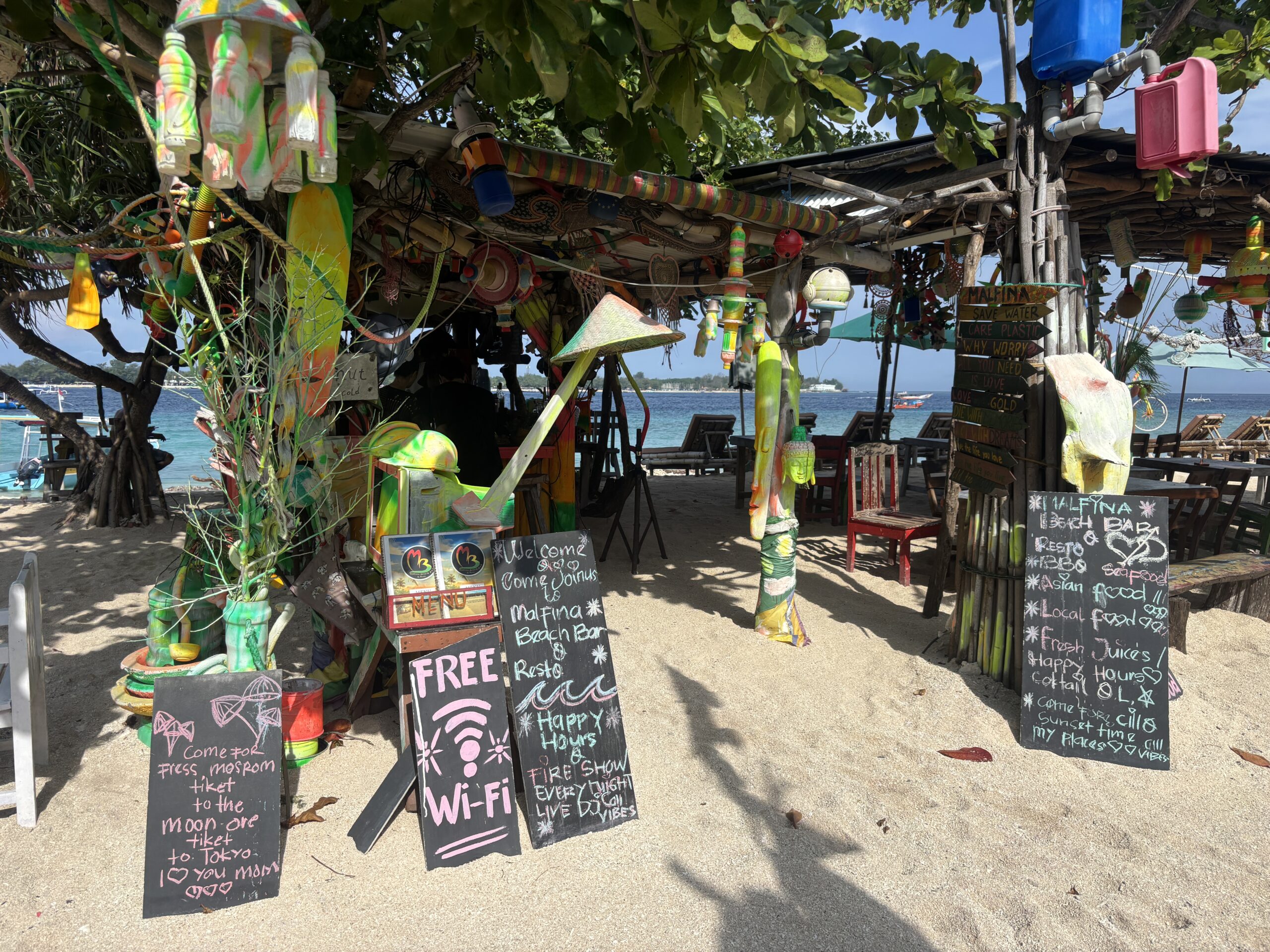
A few Bali-specific tips
Download offline maps anyway. Signal can drop on some of the rice terrace roads and around the waterfalls in the north. Saving the Bali area in Google Maps before you leave the hotel costs nothing.
Keep WhatsApp handy. Villa hosts, drivers and tour operators in Bali run almost everything through WhatsApp, so make sure it is linked to your home number and working before you go.
Think about power, not just data. Navigation and hotspotting drain batteries quickly in the heat. A small power bank in your day bag is as important as the data plan itself.
Be careful with public Wi-Fi. Airport and cafe networks are convenient but not always secure. Avoid logging into your bank on them and use your own data for anything sensitive.
So which option should you choose?
If your phone supports it, an eSIM set up at home is the least stressful way to arrive in Bali connected, especially if you want to keep your US number active for banking. If your phone is locked or older, a local SIM from an official Telkomsel or Indosat store is a perfectly good choice and often the cheapest. And if you are only staying a couple of days, your carrier’s roaming pass might be simplest of all.
Whatever you go with, sort it out before you board. Bali is far more relaxing when the first thing you do on landing is order a ride, not hunt for a SIM counter.